Insurance eligibility verification is a make-or-break step for eClinicalWorks users. That is why specialists at Dr Biller RCM emphasize mastering insurance eligibility verification. Small errors cause claim denials. They lead to payment delays, increased overhead, and frustrated patients.
Clinics lose revenue each year because of preventable insurance errors. Wrong patient details and inactive coverage drive most rejections. Missed prior authorizations and front desk bottlenecks add to the problem.
Smart revenue cycle automation and rigorous validation routines fix these issues. They cut denials, speed up cash flow, and improve the patient experience.
This guide shows you how to prevent eClinicalWorks eligibility issues. You will learn to clear workflow hurdles and protect your bottom line.
Understanding Eligibility Verification Inside eClinicalWorks
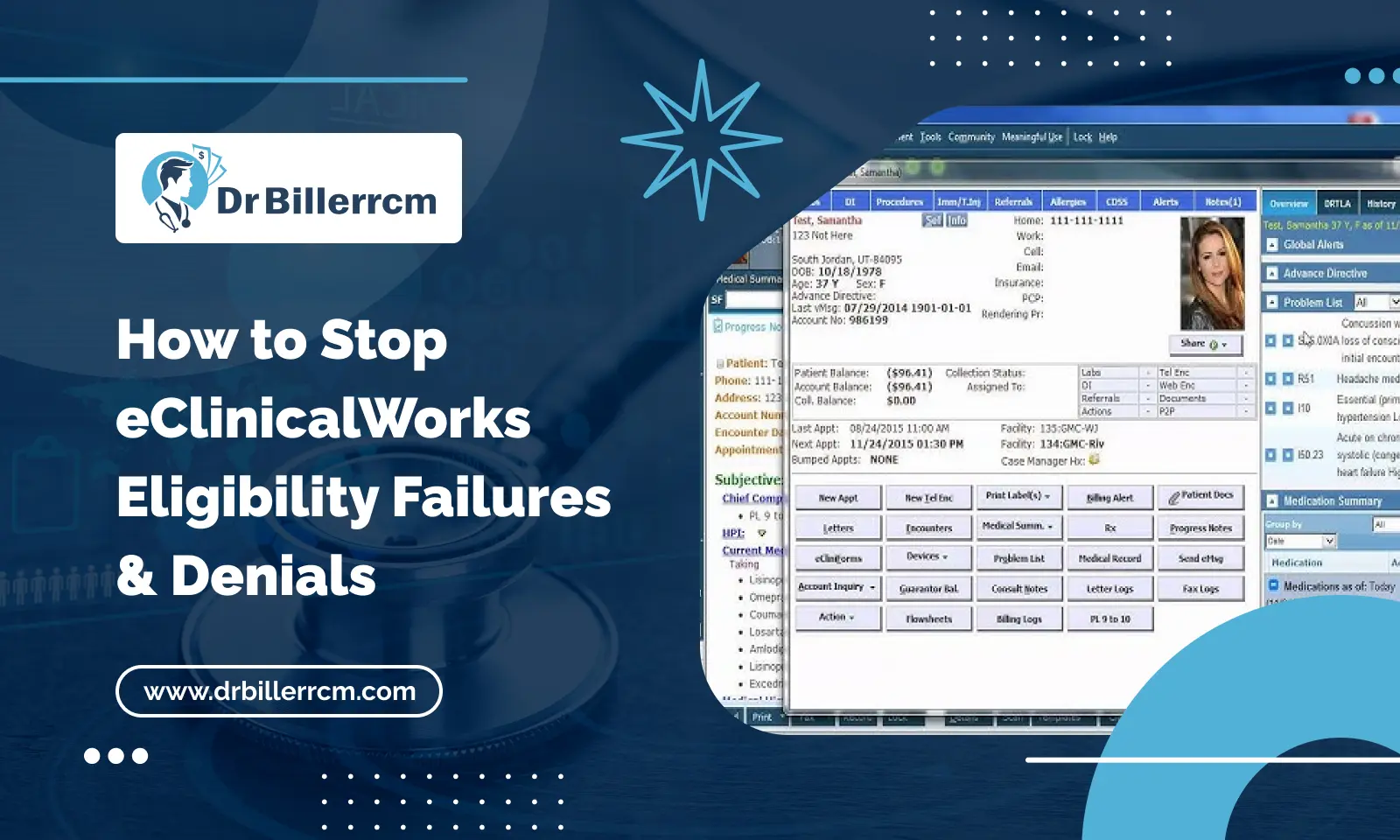
Eligibility verification in eClinicalWorks is a structured process. You cross-check vital data, co-pays, deductibles, and benefits. Every thorough insurance coverage check helps you catch mistakes early. Run these checks in the platform’s insurance module. Then, submit eligibility requests through your clearinghouse connections before the appointment.
Unlike generic billing workflows, eligibility verification in eCW requires specialized procedures. These include:
- Pulling real-time payer responses directly into the patient’s appointment record.
- Validating subscriber IDs and group numbers against current clearinghouse data.
- Documenting verification timestamps and reference numbers directly within the practice management notes.
Mastering this core feature helps front-desk and billing teams. They establish a clear financial baseline ahead of providing any medical care.
Root Causes: Why Insurance Verification Failures Happen
Despite having robust software tools, many practices still experience preventable claim rejections and denials. These issues usually stem from manual entry mistakes and flawed front-desk workflows.
Common culprits include:
- Staff rely on outdated patient data. They use outdated insurance cards instead of running real-time eligibility checks at check-in.
- Minor keystroke mistakes happen during manual registration. These errors cause clearinghouses to reject claims outright.
- Staff miss mid-year policy changes or coverage lapses. This creates front desk bottlenecks and delayed billing cycles.
Without revenue cycle automation to flag these issues, staff waste countless hours. They chase down secondary payers or write off balances.
Common Breakpoints in eClinicalWorks Verification Workflows
eClinicalWorks provides a robust management system. However, it is only as effective as its workflows. Revenue cycle gaps appear where manual work meets software automation.
Practices often encounter these verification breakdowns:
Reliance on Outdated Population Statistics: Front desk staff often skip insurance verification. As a result, the system retains outdated information. The outdated information quickly causes claim rejections because it contains incorrect Member IDs.
Misconfiguration of Payer Connections: The eClinicalWorks billing module relies on accurate clearinghouse integration. Without proper payer settings, the system fails to retrieve current status updates. This leaves staff working with incomplete coverage data.
Ignoring Eligibility Alerts: Staff often ignore eligibility alerts. This happens when the EHR warns them that coverage cannot be verified. When busy staff miss these alerts, inactive policies can slip through. This often leads to costly denials appearing weeks later.
Failure to Use Batch Verification: Many teams overlook this capability. They rely on one-off checks instead of using batch tools. Running verification for the next day’s schedule lets staff fix coverage issues early. This prevents reacting to a denial weeks later.
Identifying these breakdown points helps your practice. You can shift from a reactive stance to a proactive model. This stops denials caused by inactive coverage before they hurt your financial reporting.
Best Practices and Proven Solutions to Fix the Gap
To prevent these failures, practices should change how they view verification. Instead of seeing it as a one-time morning task, it should be an ongoing financial checkpoint.
Bridge the Front-Desk and Billing Handoff: Billing teams need alerts from the clearinghouse. Receptionists should see these alerts right away. This helps catch coverage updates before claims are generated.
Establish Continuous Monitoring: Insurance checks shouldn’t end at booking. They need ongoing validation until the claim is generated.
Audit Verification Queues Weekly: Find active policy lapses fast. Don’t wait for monthly reviews.
Set and Track Clean Claim Rate Targets: Motivate your team to stick to pre-check steps by tracking monthly metrics.
Why Verification Failures Persist Even with a Capable EMR
eClinicalWorks provides advanced tools for revenue cycle management. However, software cannot enforce a process on its own. Advanced features like automated queues are powerful. They are only as effective as the daily routines built around them.
Practice staff juggle scheduling, phone triage, prior authorizations, and check-in desks. They rarely find dedicated time to audit where verification workflows fail. That reflects the reality of running a busy practice rather than a failure of your team.
eClinicalWorks Eligibility Breakdowns, Root Causes, and Solutions
| Verification Error Type | Root Cause in eCW | Practical Fix |
| Inactive Coverage Denials | Checked once at booking, never checked again | Automate a re-check 48 hours before every visit |
| Front Desk Bottlenecks | Staff rely on memory or old cards | Require card scans and instant eCW profile updates |
| Missing Primary/Secondary Mix-ups | Missed or wrong coordination of benefits data | Make COB fields required during patient setup |
| Claims Stuck on Hold | Flags ignored or left unassigned in queues | Assign one team member to clear holds daily |
| Delayed Payment Posting | Billing team falls behind on remittance | Post ERA files within 48 hours to catch missing funds early |
| Payer-Not-Recognized Denials | Old subscriber IDs or bad clearinghouse matches | Check patient profiles using live lookup tools |
How to Speed Up Resolution Times Inside eClinicalWorks
A few disciplined habits make a measurable difference. You do not need a software overhaul or a complete workflow redesign:
- Audit your verification queues weekly instead of monthly. This helps you catch active policy lapses early.
- Segment your eligibility denials by payer and code. Use filtered reports to track payer-specific declines.
- Set a clean claim rate target and track it monthly to encourage your team to follow pre-check steps.
- Address rejected accounts at least 72 hours before filing deadlines expire.
- Review top denial triggers quarterly to update and refine your intake protocols.
Denial Management Inside eCW: What Most Practices Get Wrong
The biggest operational mistake is treating every eligibility rejection the same way. A simple missing group ID requires a straightforward correction. A complex coordination of benefits dispute requires a different response. One stems from a front-desk data entry lapse; the other requires policy clarification.
We recommend sorting eligibility issues into three operational buckets before acting:
| Denial Severity Bucket | Core Problem Example | Recommended Action / Workflow Fix |
| Instant Fixes | Missing group ID or minor typo in subscriber ID | Correct the demographic profile immediately and resubmit the claim |
| Payer Coordination Needed | Secondary coverage dispute or coordination of benefits (COB) lapse | Direct call or clearinghouse portal check before claim generation |
| Formal Appeals | Coverage rejected despite policy being active at date of service | Compile chart notes, proof of the verification timestamp, and file a formal appeal |
Sorting these items saves your team valuable hours. They no longer have to treat a minor coverage glitch as if it were a major dispute.
Conclusion
Preventing eligibility verification failures in eClinicalWorks requires moving beyond reactive troubleshooting. Build proactive, connected workflows between your front desk and billing teams.
Fully leverage your eCW clearinghouse integrations. Establish automated re-verification checkpoints, and fix root causes before claims hit hold queues. This helps your practice avoid costly inactive coverage denials and front desk bottlenecks.
Is your team spending too much time untangling administrative errors? Is administrative work taking time away from patient care? Dr Biller RCM can help. We optimize your eClinicalWorks workflows and protect your revenue. Maximize your clean claim rate on the first pass today.
Frequently Asked Questions
What causes eligibility verification failures in eClinicalWorks?
Failures typically occur due to manual data entry errors during patient intake. Common culprits include outdated insurance cards. Watch out for missed secondary insurance and skipped real-time checks.
How do inactive coverage denials impact a medical practice?
They lead to delayed cash flow and increased administrative overhead. They also result in unreimbursed costs and a frustrating experience for the patient.
How often should your team run insurance coverage checks in eCW?
Best practice requires a three-step workflow. First, run an initial check during appointment scheduling. Next, handle re-verification 48 to 72 hours before the visit. Finally, complete a validation at front-desk check-in.
Can revenue cycle automation stop front desk bottlenecks?
Yes. Use real-time eligibility tools and automated clearinghouse lookups inside eClinicalWorks. This reduces the workload for your receptionists and shortens check-in wait times. It also keeps claims out of hold queues.
How does Dr Biller RCM help resolve insurance verification issues in eClinicalWorks?
At Dr Biller RCM, our experts leverage advanced tools. We accurately verify patient coverage and fix eligibility bottlenecks. Let us increase your first-pass clean-claim rate.